Simple, accessible set tracking
Announcement
For the first time in three years I’m launching a new app and it’s a workout app!
Introducing What’s My Set, a simple, accessible set counter for your workouts.
And how about this beautiful app icon from Senaid Grbo?
Press Kit
 Press Kit
The Inspiration
I fell off the wagon HARD with my fitness for a very long time and I dedicated this year to building myself back. Making a new app was part of that.
This is probably heresy, but I had never actually worn my Apple Watch while lifting weights. Back in the day I lifted in a commercial gym and I got spooked by a friend of mine that cracked his Apple Watch doing just that. So I would just slap on a Casio with a nice watch face and use that to work out. Now that I’m working out at home with my Apple Watch I was still hitting the same general frustrations I did with my Casio.
I’m really bad about losing track of when my rest periods end. I often get distracted looking at something on my iPhone. Sure I could set a timer for that but I don’t want to deal with dismissing 16+ timers during a workout. And I also would lose track of what set I was on when my rest periods were over. The built-in workout app wasn’t helping with tracking that. I also couldn’t find anything on the App Store that met my needs for simplicity, usability, and accessibility.
The nice thing about being a developer is that you can create your own solutions when what’s available to you isn’t what you want (unless we’re talking about Apple Watch faces). Sorry, you know I had to do it.
What Are We Tracking?
I don’t care about my heart rate, calories, distance, etc when I’m lifting weights.
Here’s what I care about constantly:
- What set am I on?
- When does my rest period end?
- How many exercises have I done so far?
With that in mind I set out to build what I wanted. And if you know me you know that I’m going to make it as accessible as possible.
I’m going to dive into the features and accessibility of the app.
End Result
Here’s what I came up with. The Apple Watch app is my primary use case but I have full support for iOS and iPadOS too.
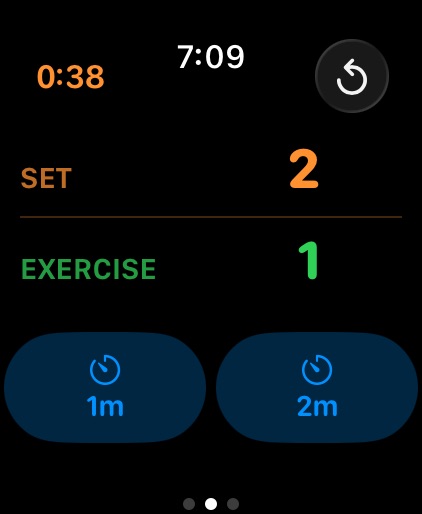
The set and exercise counts are front and center. I can do a quick glance of my wrist and know what set I’m on, how many exercises I’ve done, how long I’ve been working out, and the time. The refresh button is for when I move on to another exercise and reset the set count. There’s easy access to two timer buttons.
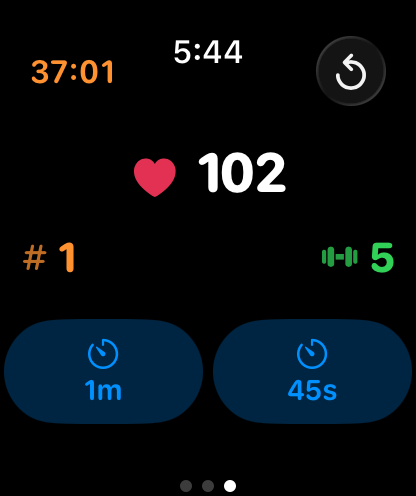
If you do care about your heart rate I provide a view where you can have it visible.
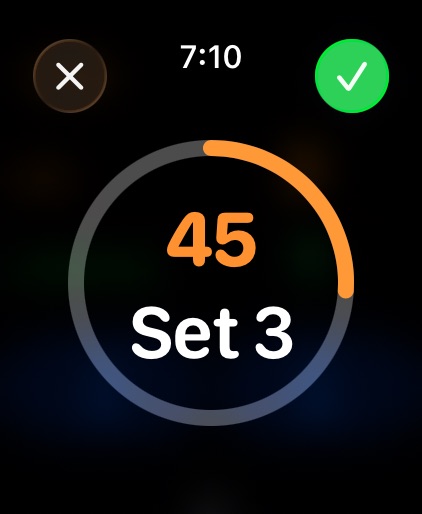
While a rest timer is running you also can always tell what set you’re about to start (or what set you just finished if you want to configure it that way).
One of my cardio loving friends asked why there are multiple timer buttons. That lines up with how I work out. My plan might have some really taxing exercises with several that aren’t. So I have easy access to two different rest timers appropriate for each scenario (longer rest, shorter rest).
I was going to call it a day with this functionality but then beta tester extraordinaire Ryan Ashcraft requested Tabata and EMOM interval timers. Honestly, I had no idea what these were but after doing some research I got to work putting them in.
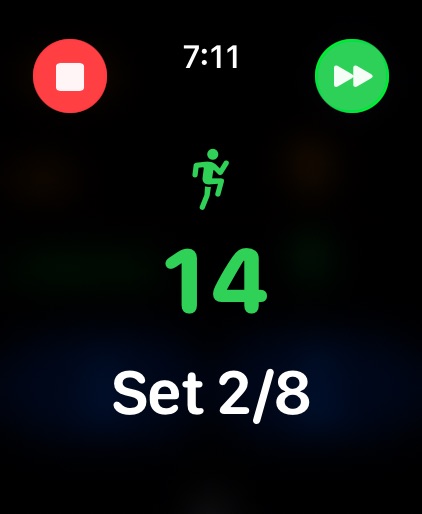
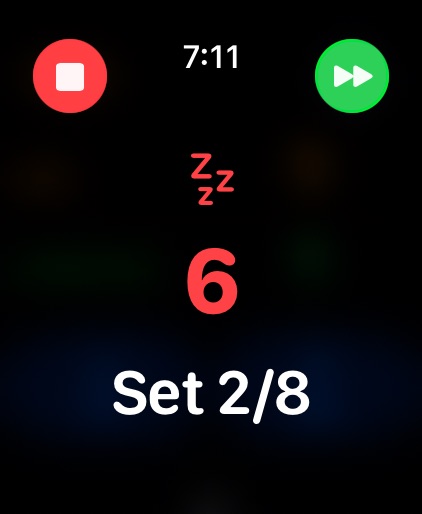
Tabata interval timers alternate between work and rest periods for a number of rounds and the app will show you how much time is left in each of them.
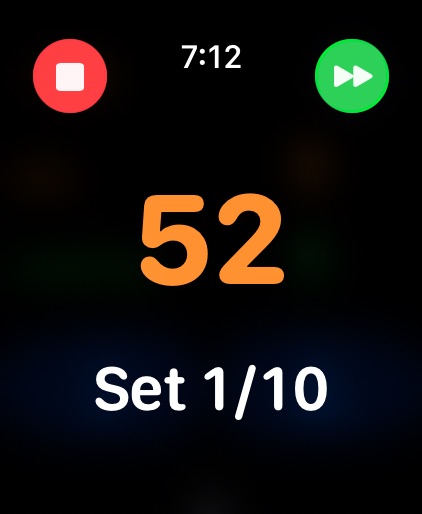
EMOM is “every minute on the minute” interval timing where you work and just rest as much as is left before the next round starts.
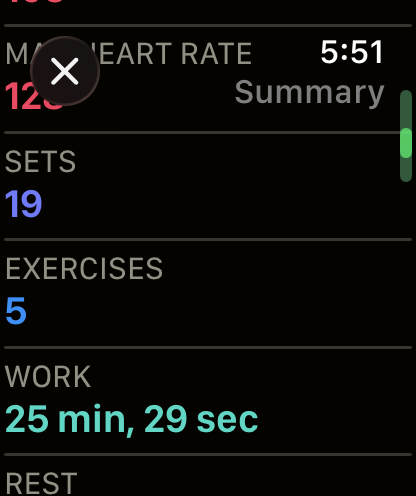
And when you end the workout I’ll show the collected stats.
Logging
I provide the option to log your heart rate, calories, workout type, and duration via Apple HealthKit if you want. It’s all done locally and the app never transmits or stores your data once a workout is ended to respect your privacy.
iOS and iPadOS
The watch is my use case but I also support people who want to workout via the iPhone or iPad.
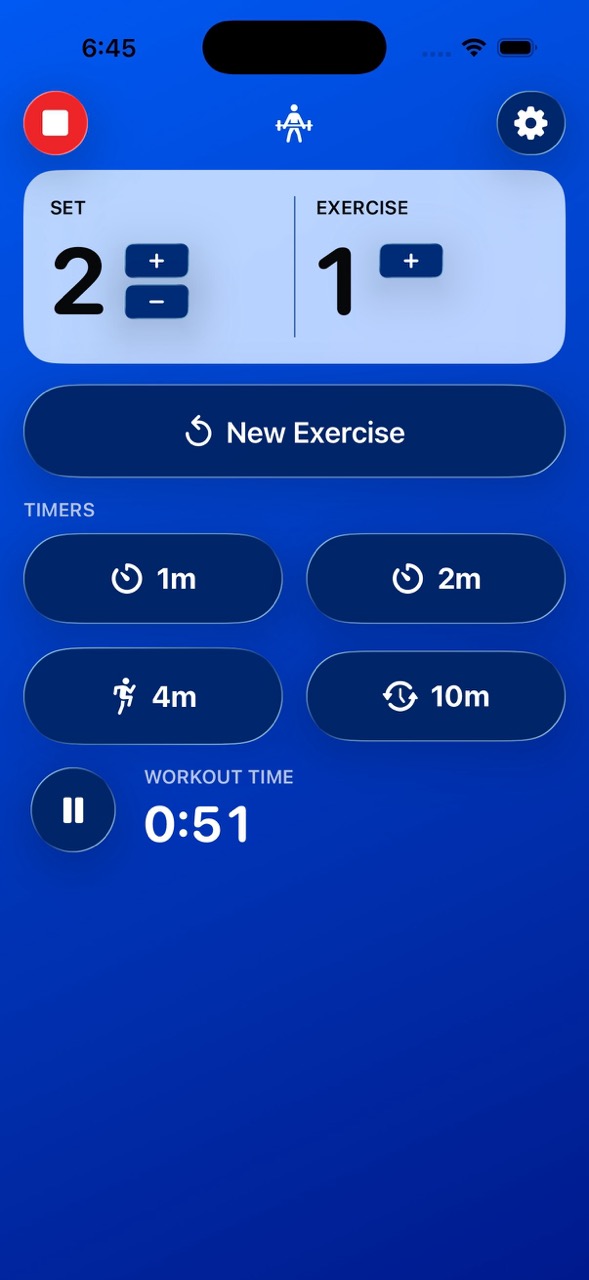
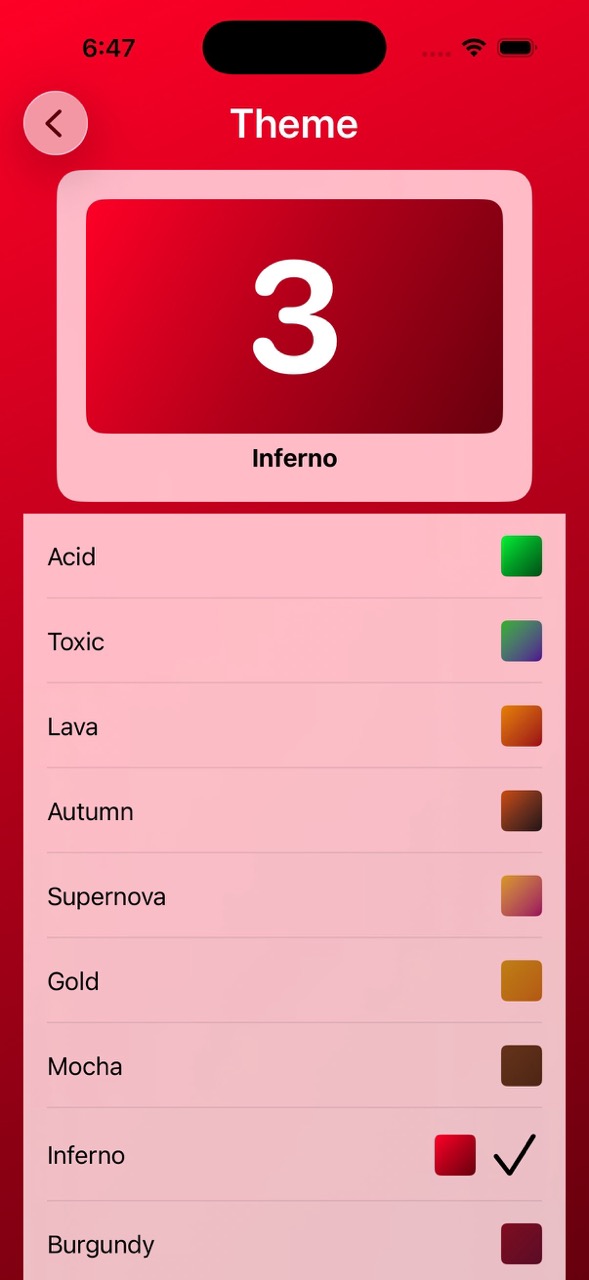
I always want to create things that are useful AND fun. I went a little overboard with theme options and offer over 70 different themes ranging from as plain as possible to multiple vibrant colors.
Accessibility
This is what I’m the most proud of. How many workout apps can say they have strong accessibility support? It’s been a priority of mine since day one.
Audio Cues & Haptic Feedback
The app will give a lot of audio cues as to what’s happening. From “Get ready”, to announcing the set/exercise number, and warning beeps. Some or all of these can be disabled. And there’s also haptics to let you know that your set is about to begin.
VoiceOver
I had never used VoiceOver on an Apple Watch before! All of my time testing my others definitely helped with testing on a small screen. There’s full VoiceOver support on all supported devices.
Voice Control
You can use the app with just your voice.
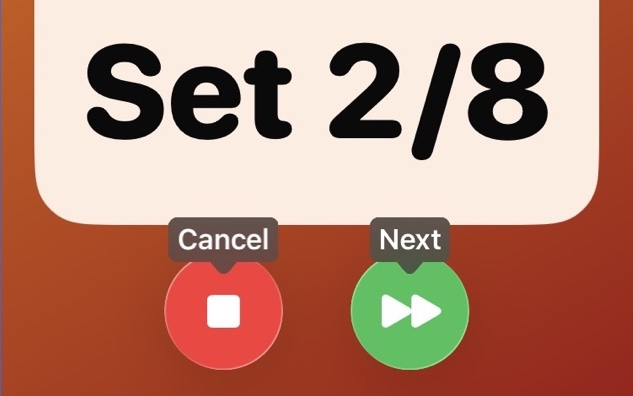
Dynamic Type
The largest text in the smallest of windows? I gotchu boo!
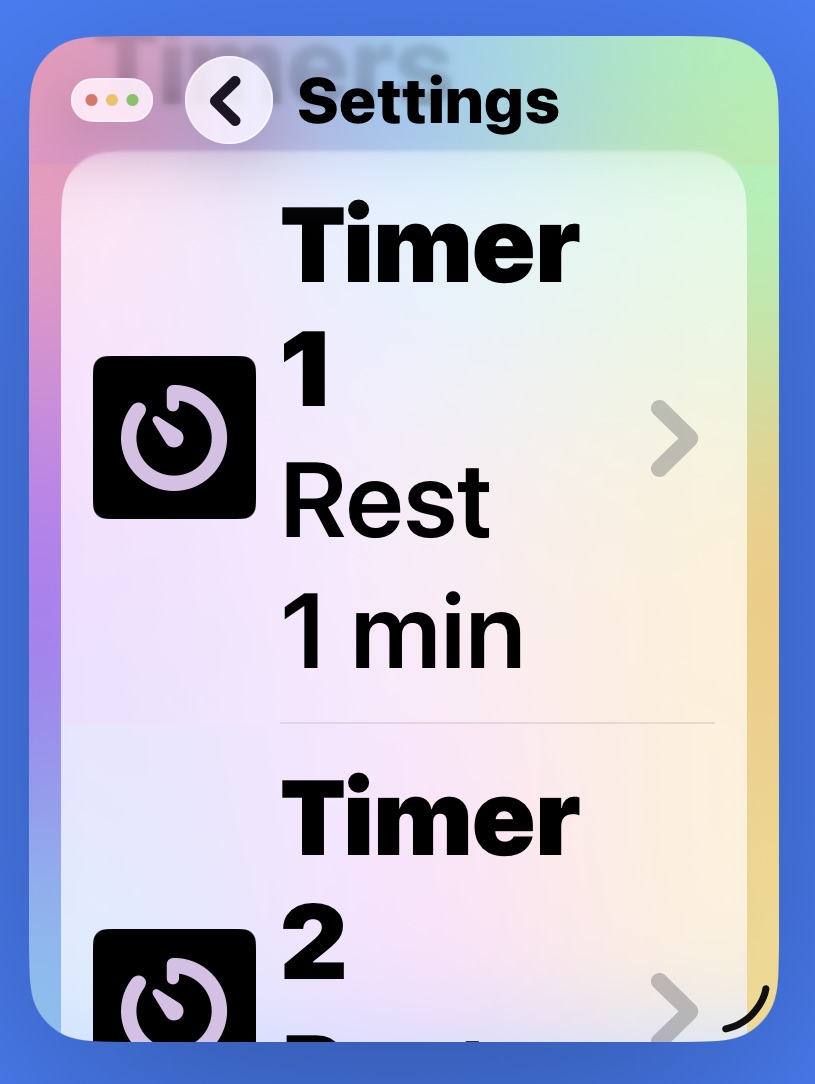
Large Counters
I felt that I could do better with the most important info, the set and exercise counters, to go past the largest dynamic type sizes.
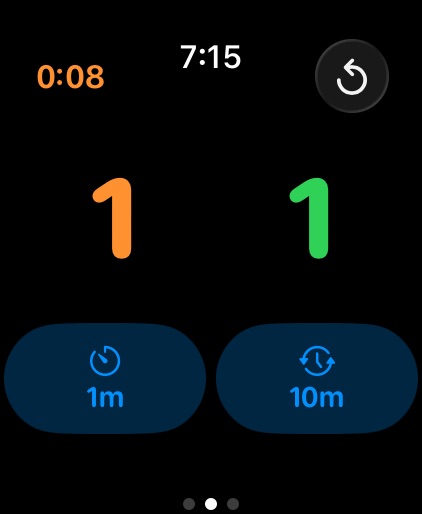
Adjustable Color
What if the default colors don’t work for you? No problem, you can change them.
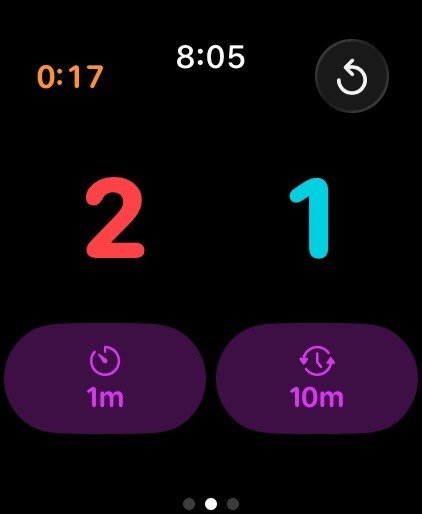
Differentiate Without Color
What if you want to differentiate without color? You can!
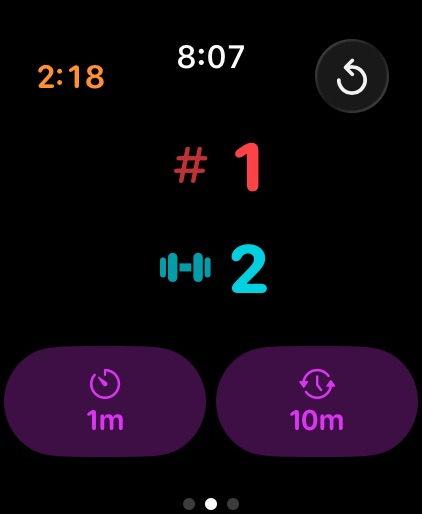
Reduce Transparency
When reduce transparency is on I use higher-contrast materials for easier readability.
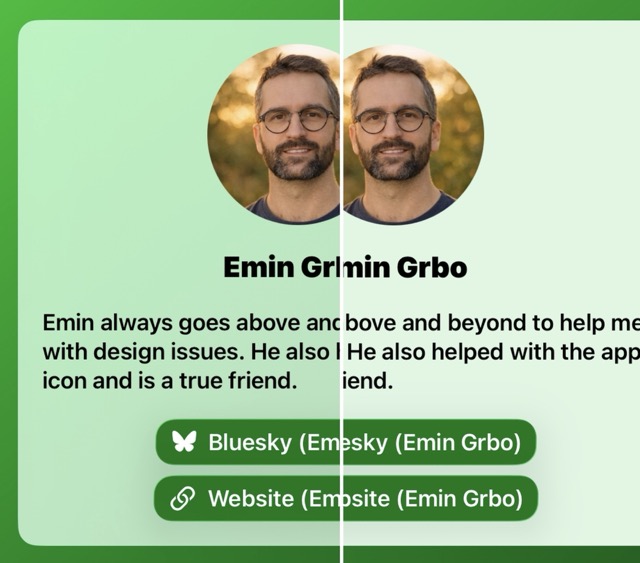
More?
If you feel I missed any accessibility features please let me know!
Final Results
What’s My Set has honestly made my workouts better and I hope it does the same for yours!
I’ve got a lot of ideas of how I want to improve the app in the future.
IDHH
Whether you’re interested in becoming an iOS developer or you’re a veteran of the App Store, iOS Dev Happy Hour is a great place to meet and connect with other iOS Developers. Join us at our monthly event! We also have a presences on social media such as Mastodon at @iosdevhappyhour@mastodon.iosdevhappyhour.com and Bluesky at @iosdevhappyhour.com.